
A collection of Python examples for VTK, covering geometry, data structures, file formats, rendering, interaction, UI integrations, and small CFD demonstrations. The repository also includes a small browser example using VTK.js.
Many examples follow the VTK rendering flow: source → filter → mapper → actor → renderer.
The Python examples require Python 3.10 or newer. From the repository root, create and activate a virtual environment, then install the dependencies:
git clone https://github.com/djeada/VTK-Examples.git
cd VTK-Examples
# Linux or macOS
python3 -m venv .venv
source .venv/bin/activate
# Windows PowerShell:
# py -m venv .venv
# .venv\Scripts\Activate.ps1

python -m pip install -r requirements-core.txt
The core requirements cover VTK, NumPy, Matplotlib, and the CFD examples. Install requirements.txt when you also need the Qt, pandas, Spark, or other integrations.
Run a Python example by its filename or relative path. For example:
python -m src --list
python -m src circle
python -m src 01_basic_shapes/circle
python -m src naca_airfoil_generator -- 0012 --export airfoil.vtp
Run commands from the repository root so examples can find the shared data/ directory. Some examples open an interactive window; close the window to return to the terminal. Examples that read or write external file formats may need sample files in data/ and can create output files there. File-writing examples may overwrite an existing output file.
Use python -m src --list for the runnable catalog, or filter it with a fragment such as python -m src --list heat. Select an example by filename, unique filename fragment, or category/path. The links below point to the source files.
Run these standalone, animated VTK scenes through python -m src <name>
(close the rendering window to exit):
- lava planet (
lava_planet) - merging metaballs (
metaballs) - gravity well illustration (
gravity_well) - tornado ribbons (
tornado_ribbons) - sphere slicing (
slice_sphere) - exploding mesh (
exploding_mesh) - procedural terrain (
procedural_terrain) - synthetic volume scanner (
synthetic_volume_scanner) - boolean geometry (
boolean_geometry) - fractal sculpture (
fractal_sculpture)
The gravity well and tornado are illustrative, not physics simulations; the volume scanner uses generated voxels rather than medical imaging data. All examples depend only on the core VTK/NumPy requirements.
- custom filter sphere
- enclosing box
- flow simulation visualization
- isosurface
- multiple dependent objects
- multiple independent objects
- streamlines
- triangulation
- visualization techniques comparison
- volume rendering
- Ahmed body visualization
- cell types demo
- cells
- connectivity demo
- data types demo
- fields
- generate NACA 0012
- image data
- multiblock dataset
- NACA airfoil generator
- points
- poly data
- rectilinear grid
- structured grid
- structured mesh
- topology vs geometry
- unstructured grid
- unstructured mesh
- OBJ to VTP
- PLY to OBJ
- PLY to STL
- STL to OBJ
- STL to VTK
- STL to VTP
- VTK to OBJ
- VTK to VTM
- VTK to VTP
- VTK to VTU
- actor and mapper with multiple objects
- text labels
- camera movement
- cycles decomposition
- filters in action
- lighting and shadows
- pipeline animation
- scalar color mapping
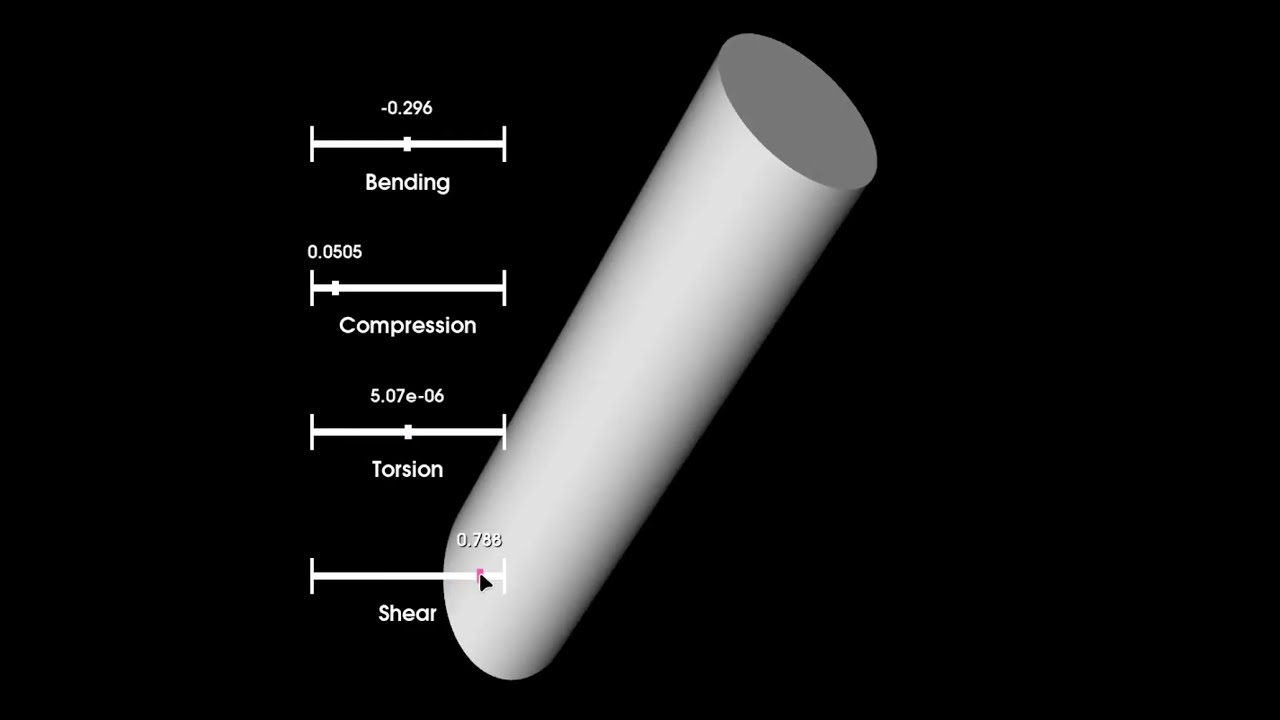
- deformation cylinder
- interactive flower mesh
- Knuth Hamiltonian cycle
- orientation marker
- planes intersection
- simple button
- slider
- solar eclipse simulation
- geospatial data
- Matplotlib sphere
- Matplotlib surface plot
- Qt sphere
- pandas fallback for a Spark and VTK workflow
See the CFD model and visualization guide for the equations, boundary conditions, checks, and limitations of these teaching examples.
New to CFD? Start with the two beginner time-marching examples:
-
transient heat diffusion, 2D: explicit time steps and the stability limit
-
rotating blob advection, 2D: upwind transport, the CFL condition, and numerical diffusion
Create one vertical video per selected example. The curated CFD stories
use numerical adapters for the example solvers; other examples use their
original VTK scene with a generic story or a supplied JSON story. By default,
reels render at 1080 × 1920 and 30 fps; fast uses 720 × 1280 at 24 fps.
Quality also selects different numerical grids for curated models, so fast and
studio results can differ slightly; the manifest records the model parameters.
The curated obstacle reel uses Re=50, while the standalone example defaults
to Re=100.
Install the reel dependencies and system FFmpeg (including ffprobe), then list
or render stories:
python -m pip install -r requirements-reels.txt
python -m src.reels --list
python -m src.reels obstacle_flow_simulation
python -m src.reels --all cfd
Each selected example produces its own MP4, thumbnail, contact sheet, JSON
manifest, and SRT captions under reels/. Linux systems without a display use
Xvfb automatically when installed. See the reel guide for
quality, audio, output, and custom-story options.
The browser example lives in vtk_js/basic. Follow its README to install the Node.js dependencies and start the development server; it prints the local URL to open.
The notes/ directory contains guides on data types and structures, filters and algorithms, input and output, visualization techniques, interactivity, animations, performance, tool integration, custom filters, and a complete hands-on case study.
Bug reports, example fixes, and documentation improvements are welcome. See CONTRIBUTING.md for the local workflow and project conventions.
This project is licensed under the MIT License.